
Zedge™ Wallpapers & Ringtones








Overview
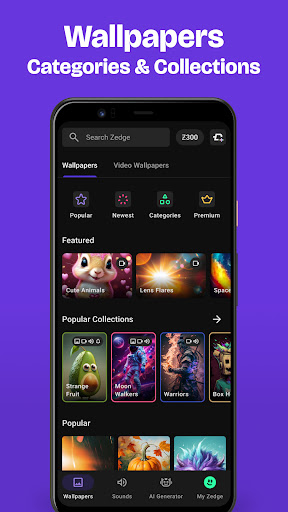
Personalizing your mobile device has become a standard expectation, and finding a single, comprehensive source for customization can be a challenge. Zedge™ Wallpapers & Ringtones steps in as a robust solution, offering an expansive library for both visual and auditory tweaks. This app caters to anyone looking to refresh their phone's appearance or soundscape, from static backgrounds and dynamic live wallpapers to unique ringtones and notification alerts. Beyond its vast content, Zedge also incorporates AI-powered tools, allowing users to generate bespoke designs, adding a layer of creativity to device personalization. Our review will delve into its key offerings, highlight its strengths and weaknesses, and guide you through its basic functionality, helping you decide if it's the right fit for your customization needs.
Key Features
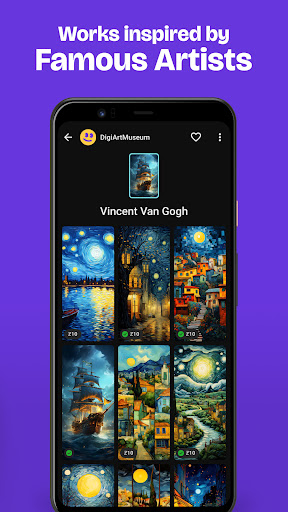
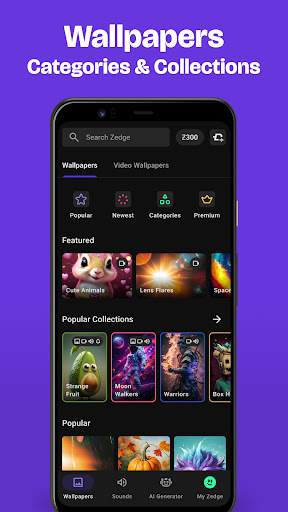
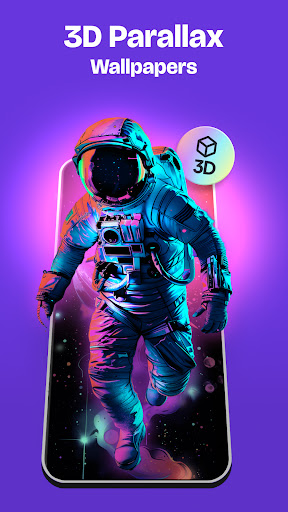
- Access millions of free HD and 4K wallpapers across diverse categories and themes.
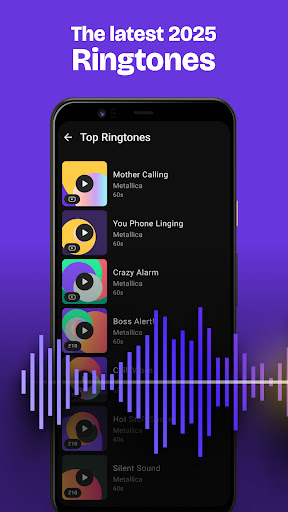
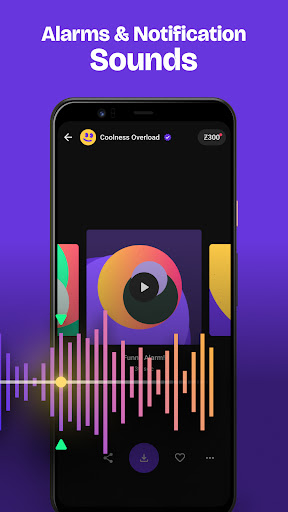
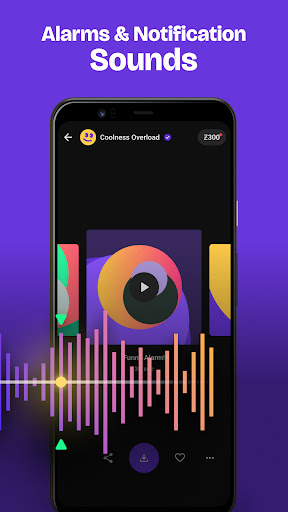
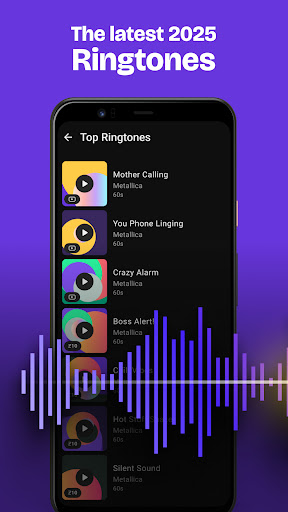
- Choose from an endless selection of ringtones, alarm tones, and notification sounds.
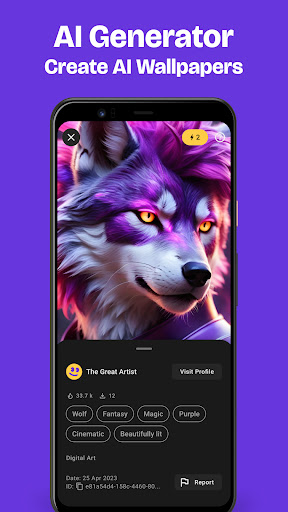
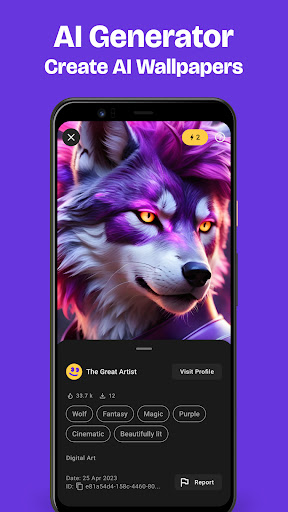
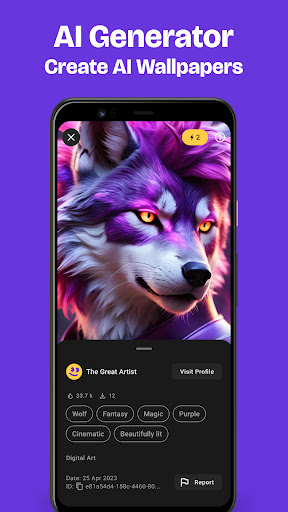
- Utilize an AI Wallpaper Maker to generate unique custom designs from text descriptions.
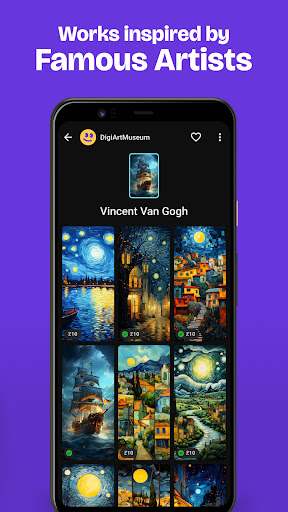
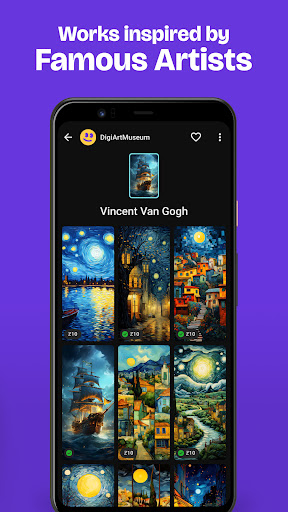
- Apply artistic filters to existing photos with a single tap for personalized backgrounds.
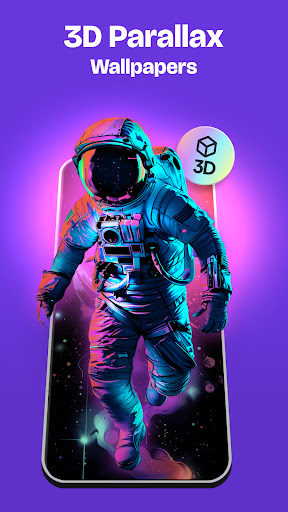
- Enhance your lock screen with live wallpapers designed for minimal battery drain.
- Customize Apple Watch faces with unique designs and various thematic options.
Pros & Cons
Pros
- Massive, frequently updated library of high-quality content.
- User-friendly interface for effortless navigation and discovery.
- Includes innovative AI tools for generating truly unique wallpapers.
- Free to download and offers extensive content without immediate cost.
Cons
- Frequent in-app advertisements can disrupt the user experience.
- Some premium features and exclusive content are locked behind a paywall.
- Content quality can vary significantly across the vast library.
- Requires an internet connection for browsing and downloading new content.
How to Use Zedge™ Wallpapers & Ringtones
- Install the Zedge™ Wallpapers & Ringtones app from the Google Play Store.
- Browse through the main categories like Wallpapers, Live Wallpapers, or Ringtones.
- Select a desired item to view its preview and additional details.
- Tap the "Set" button and choose whether to apply it as your wallpaper, lock screen, or ringtone.
- Explore the "AI Creator" section to generate a custom wallpaper using text prompts.
- Save your favorite items to your collection for quick access later.
Frequently Asked Questions
Is Zedge entirely free to use?
Does Zedge require an account to function?
Can I use Zedge content offline?
How does the AI Wallpaper Maker work?
Are there many ads within the application?
Is Zedge available on other platforms besides Android?
Similar to This App


Hot Apps