
Getcontact
Overview
A modern solution for managing incoming calls and messages has become increasingly vital in an age flooded with spam and unknown numbers. Getcontact positions itself as a comprehensive tool designed to bring clarity and security back to your mobile communications. This app aims to identify unknown callers before you even pick up, effectively filter out unwanted spam, and provide a secure environment for your digital interactions. Beyond just blocking nuisances, it offers features like encrypted chat and the option for a secondary phone number, addressing a broader spectrum of communication needs. With over 100 million downloads, its promise of enhanced communication security resonates with many. Our review will explore how this popular application performs in its core functions, its additional utilities, and what users should consider regarding its subscription model and its reliance on a shared database.
Key Features
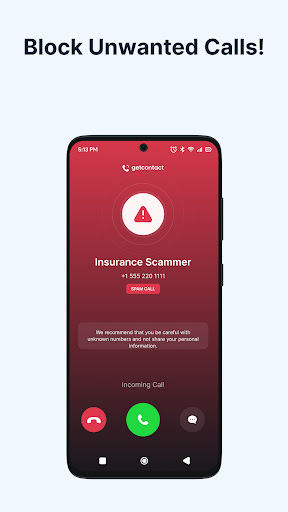
- Identifies unknown callers and blocks unwanted spam calls in real time.
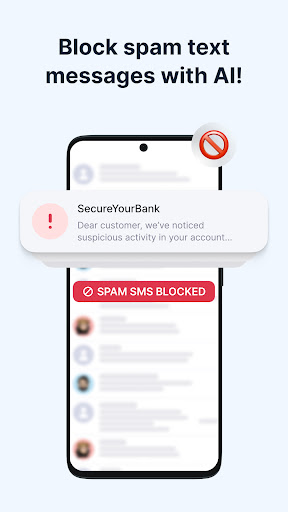
- Automatically filters out spam messages to keep your SMS inbox clean.
- Offers an optional voice assistant to answer missed calls and relay caller intent.
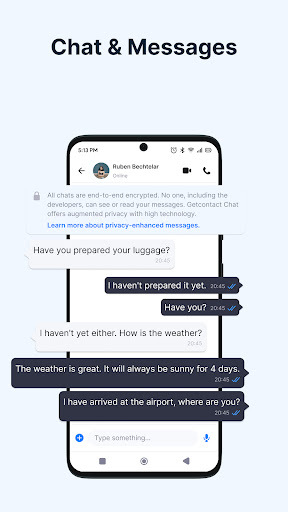
- Provides end-to-end encrypted messaging, voice, and video call capabilities.
- Allows users to create a secondary phone number without needing an extra SIM card.
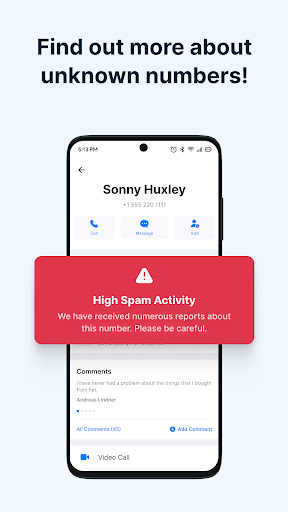
- Leverages a vast, user-contributed database for accurate caller identification.
Pros & Cons
Pros
- Effectively blocks a high volume of spam calls and unwanted SMS messages.
- Reliably identifies unknown callers, enhancing call screening capabilities.
- Includes secure, encrypted communication options for private conversations.
- Offers a convenient second phone number feature for privacy or work-life balance.
Cons
- Many advanced features are locked behind a subscription paywall.
- Some functionalities, like the voice assistant, are limited to specific regions.
- Reliance on a user-contributed database raises potential privacy concerns.
- The app's average rating suggests a segment of users encounters issues or dissatisfaction.
How to Use Getcontact
- Install the Getcontact application directly from the Google Play Store on your Android device.
- Grant the necessary permissions requested by the app, including access to your call logs and contacts, for proper functioning.
- Verify your phone number through the provided process to activate your account and core caller ID features.
- Enable the spam blocking feature within the app settings to start filtering unwanted calls and messages automatically.
- Review your call history and identified numbers to manage contacts or report new spam entries.
- Explore additional features like encrypted chats or the second number if you opt for a premium subscription.
Frequently Asked Questions
Is Getcontact free to use?
How does Getcontact handle user privacy?
Can I use Getcontact without an internet connection?
Are all features available globally?
Does Getcontact require an account?
Similar to This App


Hot Apps