
WhatsApp Messenger
Category
Communication
Downloads
10B+
Developer
WhatsApp LLC
Available on
Android, iOS
OS
Overview
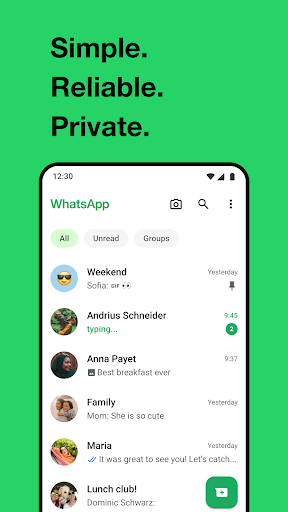
Staying connected with friends, family, and colleagues has become an essential part of modern life, and a reliable messaging platform is key. WhatsApp Messenger, developed by WhatsApp LLC, has emerged as a dominant force in this space, boasting billions of downloads and a reputation for simplicity and privacy. This review will explore what makes this communication app so popular, examining its core features, user experience, and any potential drawbacks. We will look into its robust security measures, multimedia sharing capabilities, and how it handles group interactions. For anyone seeking a straightforward and secure way to communicate globally, understanding the ins and outs of this ubiquitous application is crucial.
Key Features
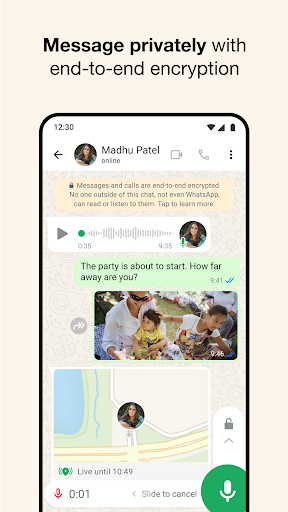
- Secure all messages and calls with end-to-end encryption for private conversations.
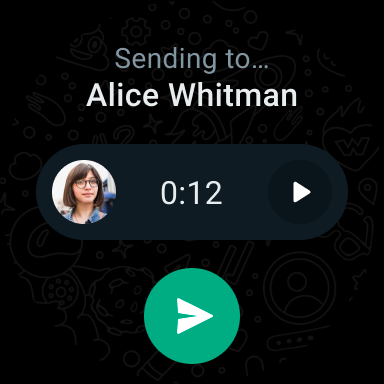
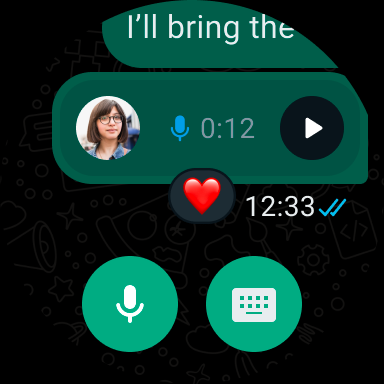
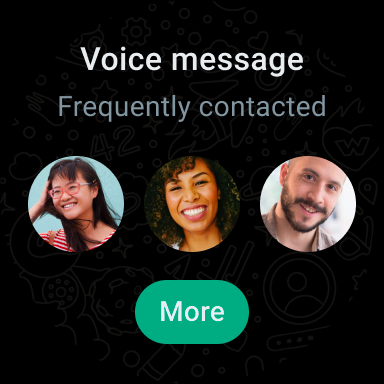
- Share various multimedia files, including photos, videos, voice notes, and documents.
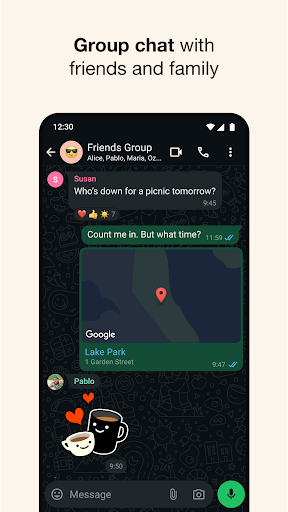
- Engage in large group chats, supporting up to 1,024 participants for collaborative discussions.
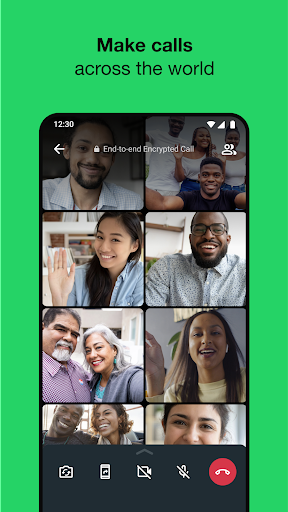
- Make high-quality voice and video calls to contacts worldwide without additional charges.
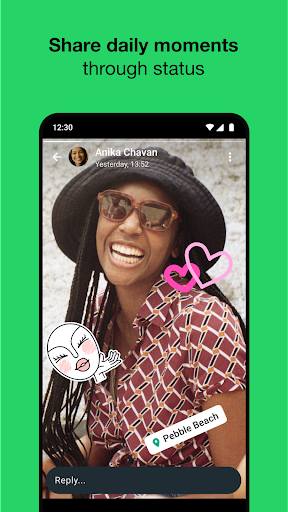
- Post temporary status updates that disappear after 24 hours for quick sharing.
- Integrates directly with your phone number, eliminating the need for separate usernames.
Pros & Cons
Pros
- End-to-end encryption provides strong privacy and security for user communications.
- Free messaging and calling significantly reduce communication costs for users.
- Simple and intuitive user interface makes it accessible for a wide range of users.
- Widely adopted globally, making it easy to connect with most contacts.
Cons
- Requires a consistent and active internet connection to function properly.
- Offers limited customization options for the app's appearance compared to some rivals.
- Lacks built-in cloud storage for media, requiring users to manage device space.
- Potential for privacy concerns related to data sharing with its parent company.
How to Use WhatsApp Messenger
- Download and install WhatsApp Messenger from the Google Play Store.
- Open the application and accept the terms of service to proceed.
- Verify your phone number by entering it and confirming with a received SMS code.
- Grant necessary permissions for contacts and media access when prompted.
- Start a new chat by tapping the message icon and selecting a contact or creating a group.
- Send messages, make calls, or share media with your chosen contact or group.
Frequently Asked Questions
Is WhatsApp free to use?
Yes, WhatsApp offers free messaging and calls over Wi-Fi or your mobile data plan. While the app itself is free, standard data charges from your mobile carrier may apply if you are not connected to Wi-Fi.
Is my communication secure on WhatsApp?
All messages and calls on WhatsApp are protected with end-to-end encryption by default. This security measure ensures that only the sender and the intended recipient can read or listen to the content of their conversations.
Can I use WhatsApp without a phone number?
No, WhatsApp requires a valid phone number for registration and account verification. Your phone number serves as your primary identifier within the application, and it is necessary to set up and maintain your account.
Does WhatsApp offer cloud storage for my media?
WhatsApp does not provide its own integrated cloud storage solution for media files. Users must manage their device storage or manually back up media to external cloud services if they wish to save them off-device.
What happens if I don't have an internet connection?
WhatsApp requires an active internet connection to send and receive messages, make calls, and update statuses. If you are offline, messages will be queued and sent once your connection is restored, but real-time communication will be unavailable.
Similar to This App

Messenger
Communication

Microsoft Edge: AI browser
Communication

Signal Private Messenger
Communication

TextNow: Call + Text Unlimited
Communication

WhatsApp Business
Communication

Discord - Talk, Play, Hang Out
Communication

Snapchat
Communication

Telegram
Communication

Getcontact
Communication

Duolingo: Language Lessons
Education
Hot Apps
Messenger
Communication
Microsoft Edge: AI browser
Communication
Signal Private Messenger
Communication
TextNow: Call + Text Unlimited
Communication
WhatsApp Business
Communication
Discord - Talk, Play, Hang Out
Communication
Snapchat
Communication
Telegram
Communication
Getcontact
Communication
Duolingo: Language Lessons
Education