
Signal Private Messenger
Overview
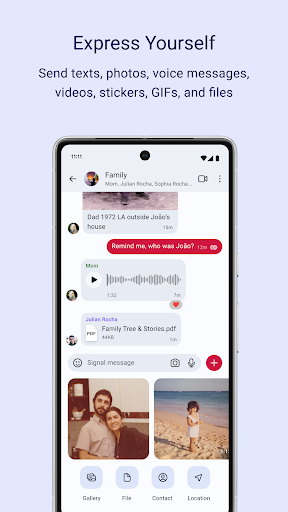
For those prioritizing digital security and privacy in their daily communications, finding a trustworthy messaging platform is crucial. Signal Private Messenger stands out in a crowded field by offering robust encryption and a steadfast commitment to user data protection. Developed by the non-profit Signal Foundation, this app focuses squarely on secure, private exchanges rather than monetizing user information or serving advertisements. It aims to provide a simple yet powerful tool for individuals and businesses to communicate without fear of surveillance or data breaches.
This review will delve into Signal's core features, highlighting its strengths as a secure communication solution while also acknowledging areas where it might not compete with more feature-rich, but less private, alternatives. We'll cover its ease of use, what makes it a preferred choice for privacy advocates, and some practical considerations for prospective users looking to make the switch.
Key Features
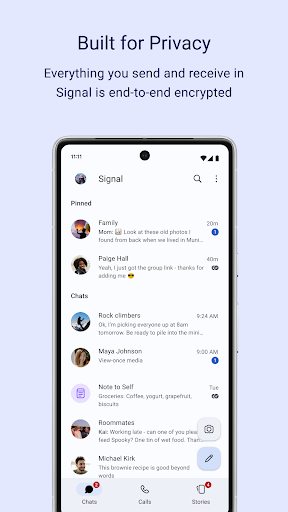
- All messages, voice, and video calls are secured with industry-leading end-to-end encryption.
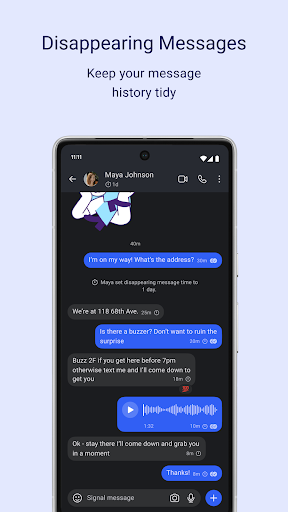
- Users can send messages that automatically delete themselves after a set, customizable time period.
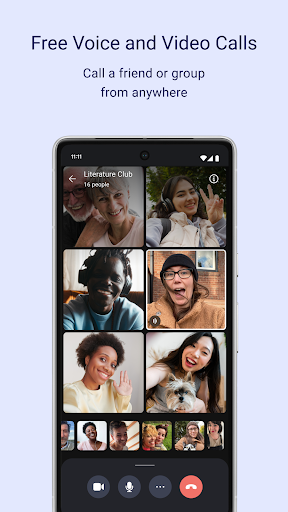
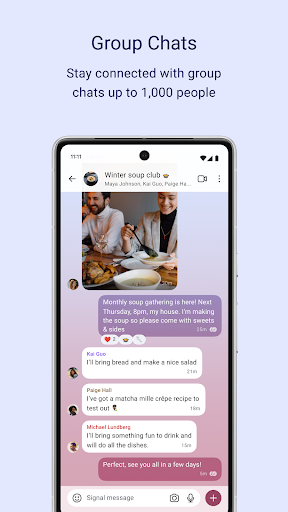
- Supports secure group conversations with up to 1,000 members and group calls for up to 50 participants.
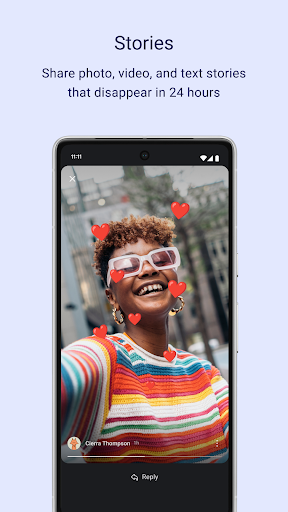
- Share temporary photo, video, or text updates that vanish after 24 hours, similar to social media stories.
- Conversations seamlessly sync across Android, iOS, and desktop devices for continuous communication.
Pros & Cons
Pros
- Offers robust end-to-end encryption for all forms of communication.
- Developed by a non-profit organization with transparent, open-source code.
- Completely free to use with no advertisements or data collection practices.
- Features disappearing messages for enhanced privacy control over conversations.
Cons
- Lacks some advanced features and extensive customization options found in competitor apps.
- Call quality can occasionally be inconsistent, depending heavily on network conditions.
- Requires contacts to also use the app to benefit from its secure communication features.
- Interface is functional but less visually dynamic than some mainstream messaging platforms.
How to Use Signal Private Messenger
- Install the Signal Private Messenger app from the Google Play Store onto your Android device.
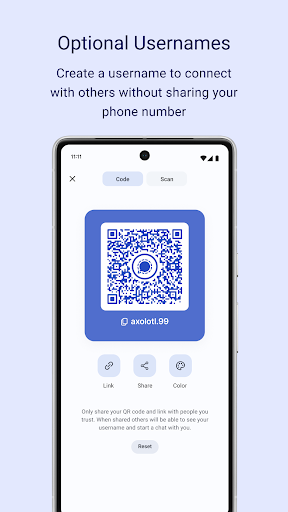
- Open the application and follow the prompts to register your phone number, which is used as your unique identifier.
- Grant the necessary permissions, such as access to your contacts and notifications, for the app to function properly.
- Create your profile by entering a display name and optionally adding a profile picture.
- Start a new secure conversation by selecting a contact from your phone's address book who also uses Signal.
- Explore privacy settings like disappearing messages or enable message reactions for a more interactive experience.
Frequently Asked Questions
Is Signal truly private and secure?
Does Signal cost money to use, or does it have ads?
Can I use Signal to communicate with people who don't have the app?
What happens to my messages if I lose my phone or switch devices?
Is Signal available on platforms other than Android?
Similar to This App


Hot Apps