
Discord - Talk, Play, Hang Out



Overview
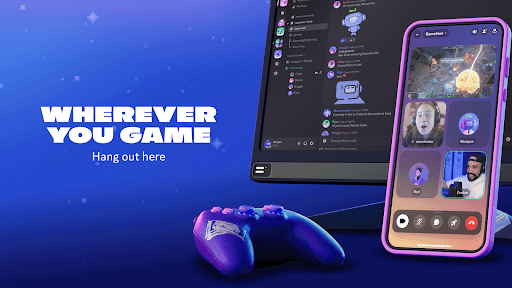
Connecting with friends, fellow enthusiasts, or even new acquaintances online has become a cornerstone of modern digital life. For those seeking a robust, feature-rich platform that goes beyond simple messaging, Discord offers a comprehensive solution. Initially popular among gamers for its seamless voice communication during gameplay, this app has broadened its appeal to a vast array of communities and social groups, from study clubs to professional networks. Its strength lies in providing a dedicated, customizable space for real-time interaction, whether through text, voice, or video. Our review will examine its core functionalities, weigh its advantages and potential drawbacks, and guide you through the initial steps of setting up your own space or joining an existing one. We'll also address common questions that prospective users might have, helping you decide if this versatile communication hub fits your online interaction needs.
Key Features
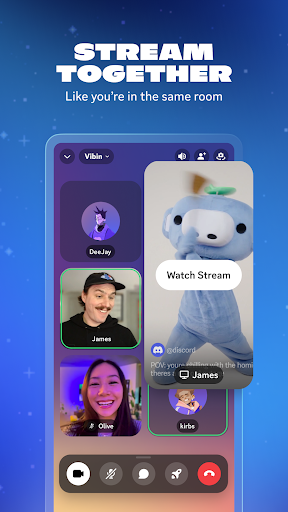
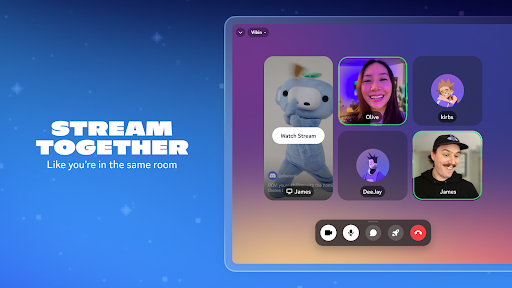
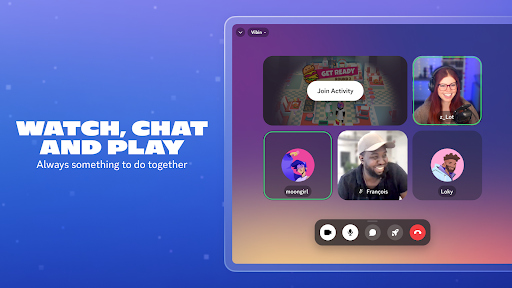
- High-quality voice and video calls support large groups with low latency.
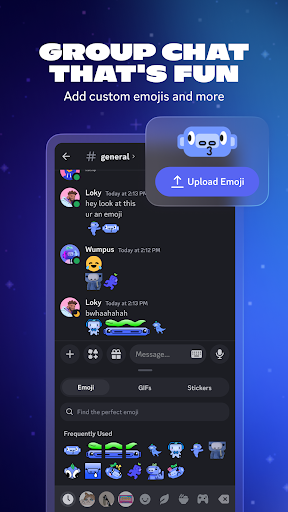
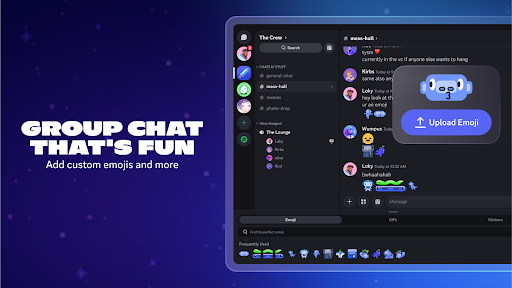
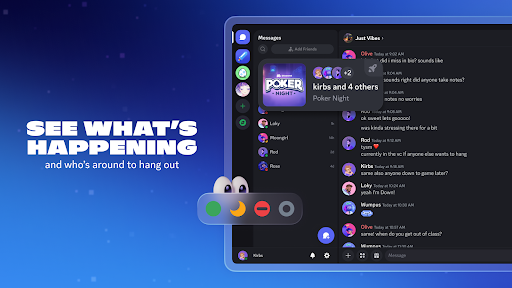
- Send text messages, share images, videos, and links in dedicated channels.
- Create customizable servers with organized channels for different topics.
- Enhance server functionality with bots for moderation, music, and alerts.
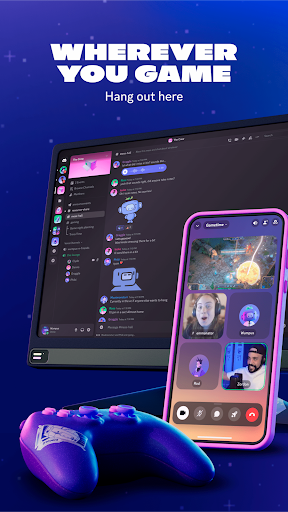
- Access the platform seamlessly across Android, iOS, Windows, macOS, and web browsers.
Pros & Cons
Pros
- Core features are free, with optional premium upgrades.
- Highly customizable for both casual users and community managers.
- Strong privacy measures ensure secure communication.
- Supports large communities with millions of members.
Cons
- New users may face a learning curve due to extensive features.
- Some advanced setup, like bots, requires technical knowledge.
- Accessibility can be limited in certain regions without workarounds.
- Can generate numerous notifications if not properly configured.
How to Use Discord - Talk, Play, Hang Out
- Download the Discord app from the Google Play Store on your device.
- Register for a new account using your email or phone number, then choose a username.
- Join an existing server using an invite link or create your own custom server.
- Navigate between text and voice channels within a server to find relevant discussions.
- Communicate by typing messages, sharing media, or joining active voice calls.
- Adjust your personal profile, notification settings, and privacy preferences as needed.
Frequently Asked Questions
Is Discord free to use?
Do I need an account to use Discord?
Can I use Discord on multiple devices?
Is Discord suitable for non-gamers?
How does Discord handle user privacy and data?
Are there any region restrictions for Discord?
Similar to This App


Hot Apps