
Snapchat

Overview
For those looking to share fleeting moments and connect with friends through visual media, Snapchat offers a distinct approach to social networking. This platform, developed by Snap Inc., pioneered the concept of ephemeral content, where photos and videos disappear after being viewed, fostering a more spontaneous and less curated sharing experience. It has become particularly popular among younger demographics, emphasizing creativity through its extensive array of filters and augmented reality lenses. Our review will explore its core functionalities, from its unique 'Snaps' and 'Stories' to its communication tools and community features like Spotlight and Snap Map. We'll also consider its usability for new users, potential privacy aspects associated with location-based services, and overall value as a dynamic platform for self-expression. This guide aims to help you decide if its blend of fun and functionality aligns with your communication style and needs in the social media landscape.
Key Features
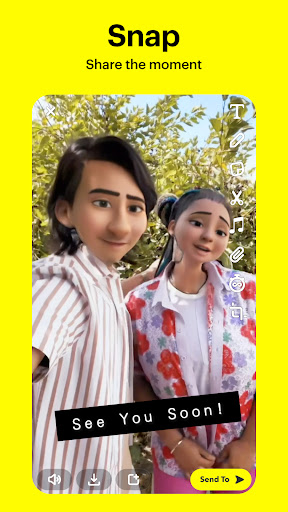
- Share photos and videos as "Snaps" that disappear after viewing.
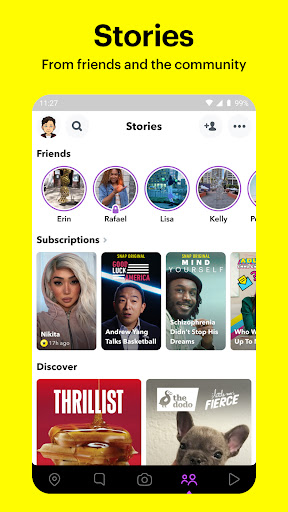
- Post "Stories" that remain visible to friends for a 24-hour period.
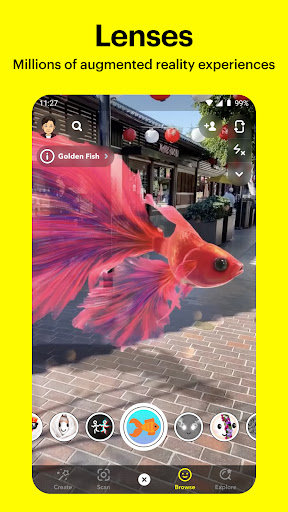
- Utilize augmented reality lenses to add creative effects to images and videos.
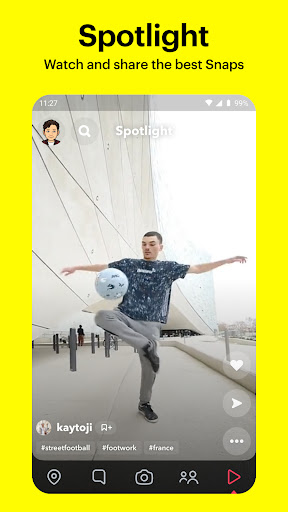
- Discover short, entertaining videos from a wide community on the "Spotlight" section.
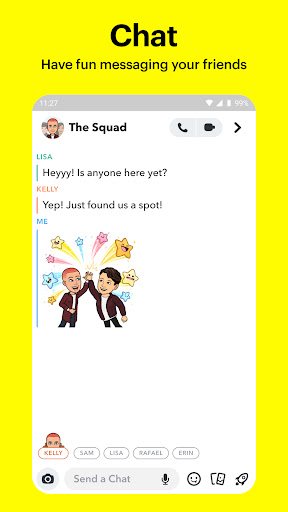
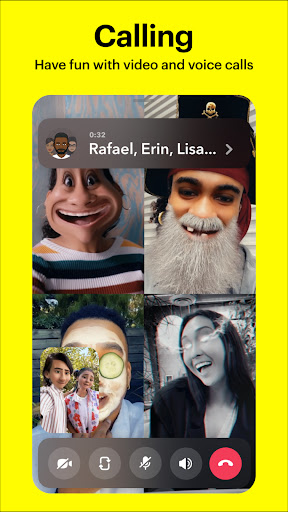
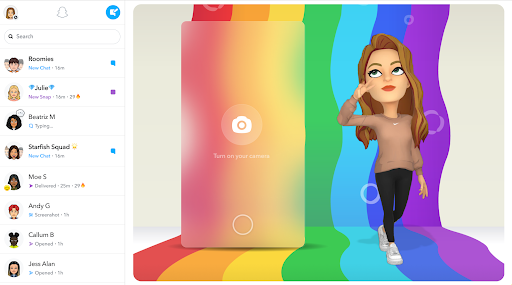
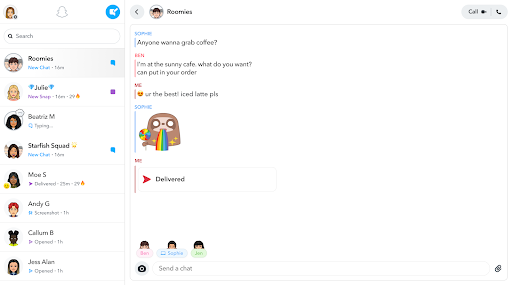
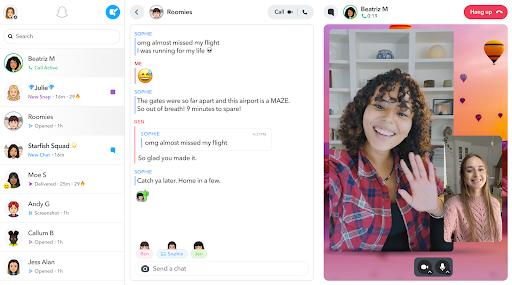
- Engage in text, voice, and video conversations with contacts directly in the app.
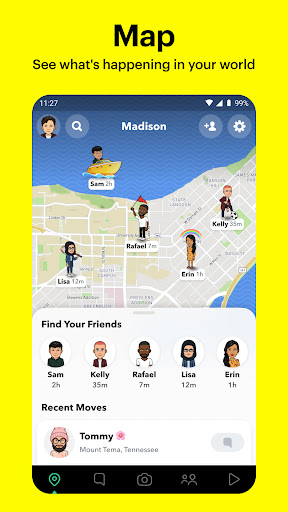
- View friends' locations and discover public content using the interactive Snap Map.
Pros & Cons
Pros
- Fosters creative expression through diverse filters and AR lenses.
- Ephemeral content promotes spontaneous, less curated social interaction.
- Spotlight feature provides a platform for video content creators to gain visibility.
- Direct messaging and video calls integrate communication seamlessly.
Cons
- Interface can be confusing and overwhelming for first-time users.
- Location sharing features like Snap Map raise privacy considerations.
- Certain advanced creative tools or custom lenses may incur extra costs.
- Ephemeral nature means content isn't permanently saved unless manually done.
How to Use Snapchat
- Download and install the Snapchat app from the Google Play Store on your Android device.
- Create a new account by providing your name, birthdate, and choosing a unique username and password.
- Grant necessary permissions for camera, microphone, and contacts when prompted during setup.
- Add friends by searching for their usernames, scanning Snapcodes, or inviting contacts from your phone.
- Tap the large camera button to capture a photo or hold it down to record a video "Snap."
- Apply filters, lenses, or text, then select recipients to send your Snap or add it to your Story.
Frequently Asked Questions
Is Snapchat free to use?
Does Snapchat save my photos and videos permanently?
Are there privacy concerns with using Snap Map?
Can I use Snapchat offline?
Is Snapchat suitable for all ages?
Similar to This App


Hot Apps